
Kazakan Tools
ABOUT KAZAKAN TOOLS

Everyday tools, with less friction

Kazakan Tools brings together fast, free utilities that help you get things done right in your browser—with a clear experience that respects your time and privacy.

Privacy first

Your tools run on your device, and your files stay out of our servers.

Fast and instant

Start using a tool right away, without waiting or extra steps.

Easy for everyone

A clear interface designed for phones, tablets, and computers.

PRIVACY POLICY

Your files stay in your browser

Kazakan Tools is designed to process the files and text you provide on your device. Tool inputs and results are not uploaded to our servers.

Processed on your device

Images, files, and text used in our tools are processed in your browser. We do not keep copies of them on our servers.

Aggregated usage counts

We send only the tool name and a general event, such as opening, starting, or completing it. The country and day are used to aggregate counts and see which tools are most used; we do not keep individual event histories or your file and text contents.

A small local preference

Your browser may save your theme preference locally so it remembers your choice. We do not use advertising cookies or build a browsing profile.

The site and its usage metrics run on Cloudflare. The provider may process technical connection data, such as an IP address, to deliver and protect the site under Cloudflare's Privacy Policy. We retain aggregate counts while they are useful for improving the tools. External sites, including the Kazakan store, follow their own privacy practices. Last updated: October 20, 2026.

0 / 104Tested Keys
0Simultaneous (NKRO)
NoneLast Key
0 msHold Duration
CleanChatter Check

Keyboard Tester Online — Test Keyboard Keys & Anti-Ghosting Free

Test laptop and mechanical keyboard keys, check latency, and diagnose stuck keys or anti-ghosting limits.

100% Client-Side Zero Server Uploads
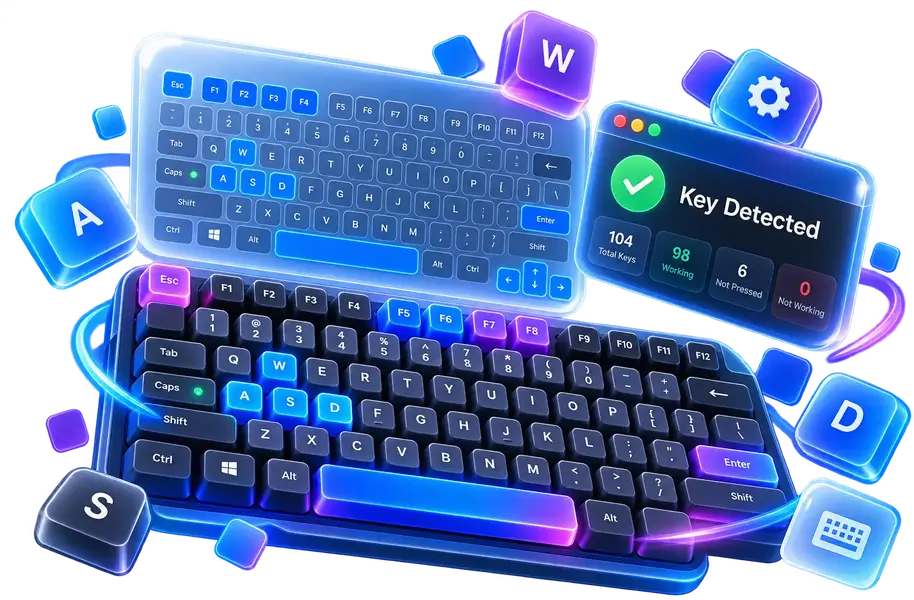
Keyboard Tester Online — Test Keyboard Keys & Anti-Ghosting Free
100% Client-Side Your files never leave your device
Instant Performance Instant browser execution
Fully Responsive Desktops, tablets & mobile
Private & Secure No tracking or server storage
How to Test Your Keyboard

Press any key on your physical keyboard. The keycap will illuminate blue while pressed and turn green once tested.

  • Press multiple keys simultaneously to test Anti-Ghosting and measure your keyboard's simultaneous rollover limit.
  • Default page scrolling has been disabled for Space and Arrow keys during testing.
  • Unresponsive keys remaining untinted indicate a physical or contact switch issue.
Keystroke Privacy & Security

Keystroke events are handled purely in browser memory. Zero keylogs or typed characters are ever sent to servers.