











Start with the right dimensions
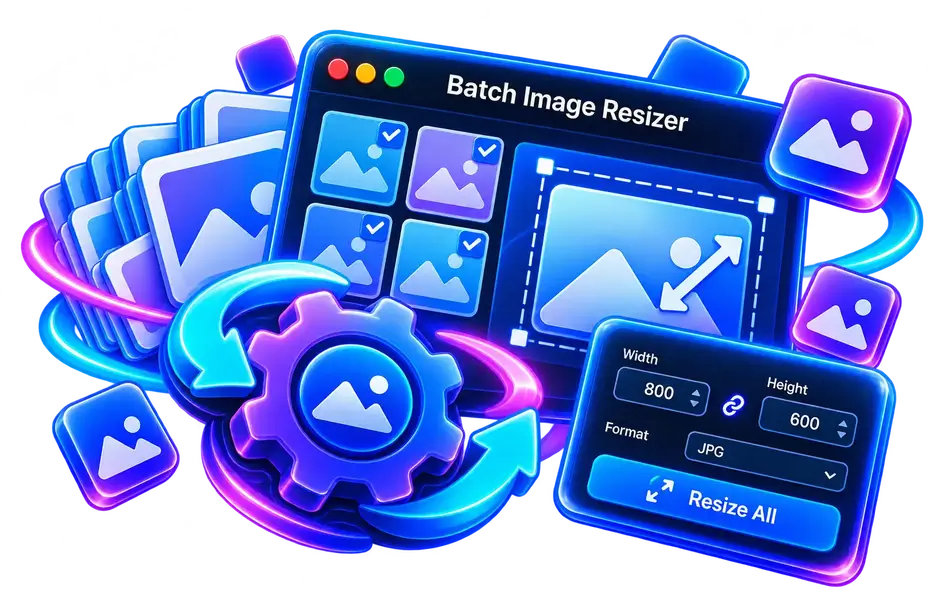
Resize an image to the display dimensions you need instead of keeping a much larger copy.
A collection of fast, secure, and free tools that run directly in your browser without signing in.
Count words, characters, sentences, and lines in your text with instant reading time estimation.
Convert JPG and PNG photos into next-generation WebP and AVIF formats for ultra-fast website loading.
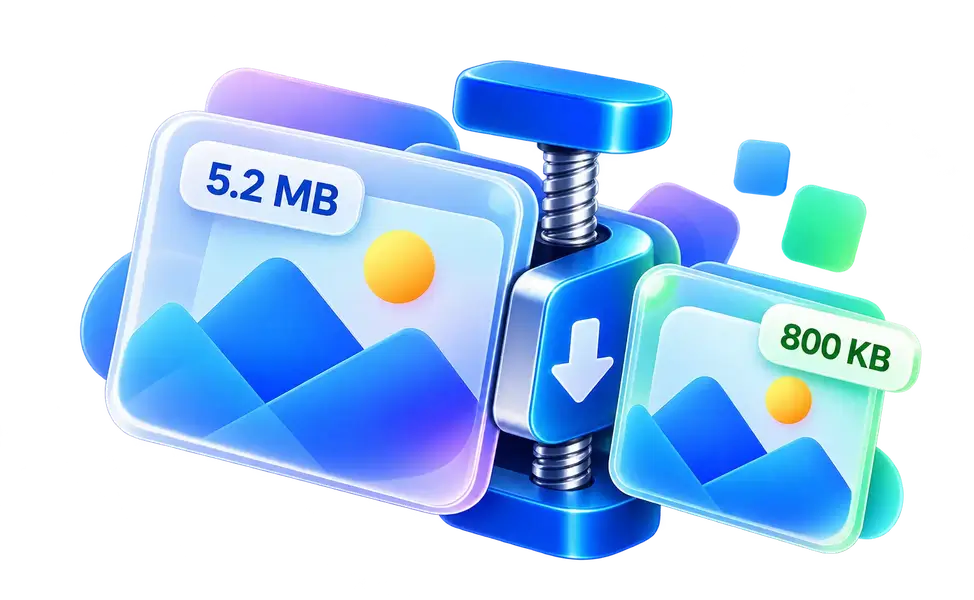
Shrink JPG and PNG image file sizes by up to 80% while retaining sharp visual clarity and colors.
Benchmark your mouse clicking speed in clicks per second (CPS) across 1, 5, and 10 second challenges.
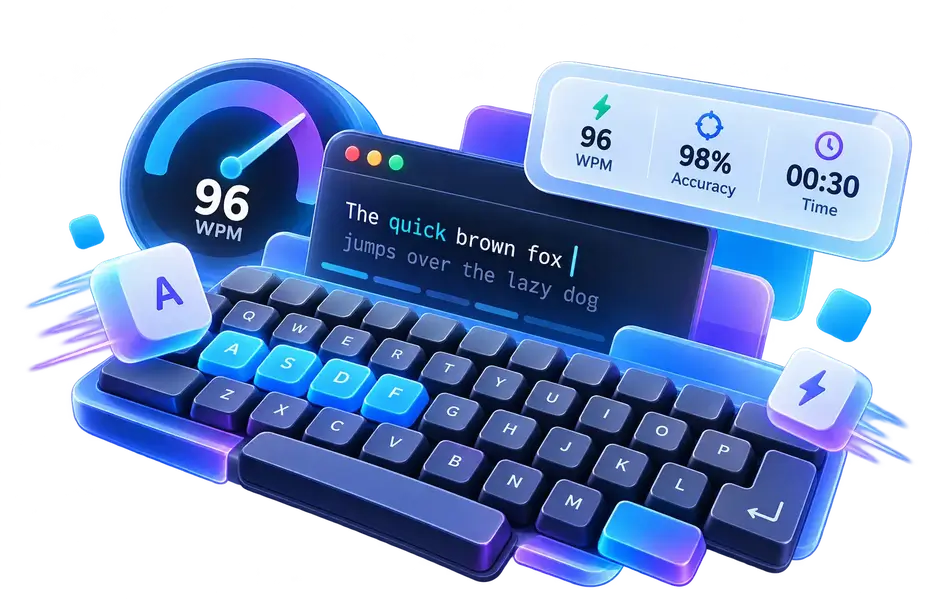
Measure your English typing speed in Words Per Minute (WPM) and track keystroke accuracy in real time.

Calculate your exact age in years, months, days, and hours with next birthday countdown.
Choosing image dimensions and a format for where it will be used can reduce file size and speed up loading while preserving detail.
Resize an image to the display dimensions you need instead of keeping a much larger copy.
Use WebP for the web, JPEG for photographs, and PNG when you need transparency.
Lower quality gradually and inspect details at full size until the image still looks clear.
Save the original before compressing or converting so you can edit it again later.
Short, regular practice and accurate typing matter more than chasing a high speed score at first. Build a comfortable routine.
Type steadily with fewer mistakes. Speed improves naturally as your finger placement becomes reliable.
Keep your eyes on the text and use consistent finger positions to reduce movement and pauses.
A short daily session with breaks is more useful than one long, tiring session.
Compare your results weekly and practice in Arabic or English based on what you type most.
Choose an image format based on its content, the file size you need, and the platform or device that will display it.
It offers a good balance of quality and size for most images used on web pages.
It is widely supported and works well for photos, but it does not support transparency.
Use it for logos and graphics that need a transparent background or crisp edges.
It can deliver smaller files at good quality, but check support on your target platform first.