
Kazakan Tools
ABOUT KAZAKAN TOOLS

Everyday tools, with less friction

Kazakan Tools brings together fast, free utilities that help you get things done right in your browser—with a clear experience that respects your time and privacy.

Privacy first

Your tools run on your device, and your files stay out of our servers.

Fast and instant

Start using a tool right away, without waiting or extra steps.

Easy for everyone

A clear interface designed for phones, tablets, and computers.

PRIVACY POLICY

Your files stay in your browser

Kazakan Tools is designed to process the files and text you provide on your device. Tool inputs and results are not uploaded to our servers.

Processed on your device

Images, files, and text used in our tools are processed in your browser. We do not keep copies of them on our servers.

Aggregated usage counts

We send only the tool name and a general event, such as opening, starting, or completing it. The country and day are used to aggregate counts and see which tools are most used; we do not keep individual event histories or your file and text contents.

A small local preference

Your browser may save your theme preference locally so it remembers your choice. We do not use advertising cookies or build a browsing profile.

The site and its usage metrics run on Cloudflare. The provider may process technical connection data, such as an IP address, to deliver and protect the site under Cloudflare's Privacy Policy. We retain aggregate counts while they are useful for improving the tools. External sites, including the Kazakan store, follow their own privacy practices. Last updated: October 20, 2026.

Markdown Editor
Write or paste text
Live Preview
0 words•0 chars•0 lines•0 min read
Saved locally

Markdown Editor & Live Preview — Real-Time Formatter & HTML Viewer

Write Markdown with synchronous side-by-side rendering, syntax highlighting, and instant HTML export.

100% Local processing No server uploads
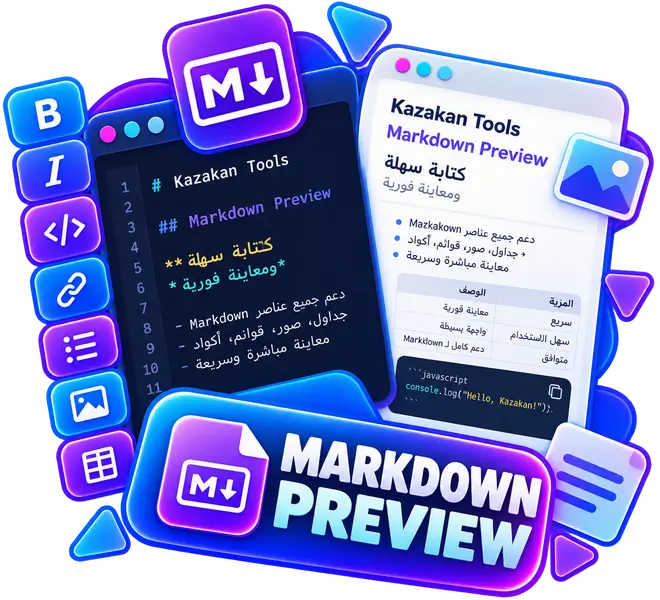
Markdown Editor & Live Preview — Real-Time Formatter & HTML Viewer
Runs on your device Private by design
Instant live preview Real-time zero latency
Fullscreen & Wide View Comfortable distraction-free writing
Multi-Format Export Export as MD or standalone HTML
Features & How to Use the Markdown Editor
  1. Flexible Layout Modes: Switch between Split, Editor-only, or Preview-only views, and toggle Fullscreen or Wide mode for distraction-free writing.
  2. Advanced Toolbar: Format text, insert headings, tables, code blocks, and GitHub callout alerts ([!NOTE], [!TIP], [!WARNING]) with one click.
  3. Interactive Task Checklists: Click checkboxes directly in the preview to update your Markdown source in real-time.
  4. Multi-Format Export: Copy Markdown or clean HTML, or download as an MD file or standalone printable HTML document.
Zero-Upload Local Privacy

All parsing and HTML sanitization run locally inside your browser via Marked and DOMPurify. No document or text is ever sent to any remote server.