
Merged Files Order
Manage & Select Pages (0 pages)
Select range:
From
to
Or enter manually:
Selected pages will be extracted to the new document.
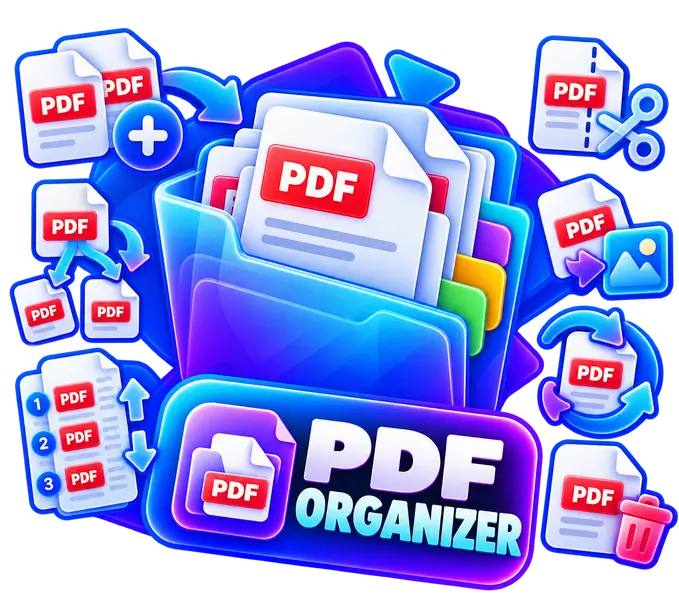
Merge & Split PDF Pages — Combine, Extract & Organize PDF Files
Combine multiple PDF documents, extract chosen page ranges, and reorder sheets with live previews.
Local processing
No server uploads
Runs on your device
No file uploads
Fast results
No server wait
Works on your devices
Phone, tablet and desktop
Private by design
Your data stays local
How to use Merge PDFs & Extract Pages
Select your desired action using visual cards (Extract pages or Merge PDFs). In extraction mode, open the Manage & Select Pages section to click pages or use quick presets (All, Odd, Even, Range).
The Live Result Preview is always visible right below your settings, allowing you to flip through pages and verify the document before downloading.
Privacy & local processing
Documents are processed locally in your browser. Files never leave your device. Password-protected files are not supported.